How to Start Your First Character in Where Winds Meet (2026 Beginner Guide)
If there’s one thing we love, it’s a game with good character creation system. And Where Winds Meet probably has one of the most thorough character creation systems in gaming right now. Though, it can be a bit tricky for Black and Brown gamers to create a character that looks like them. It takes a bit of playing around with, but we can create characters with dark skin to represent us in the Jianghu.
From Uncle Jiang Yan to Your First Character
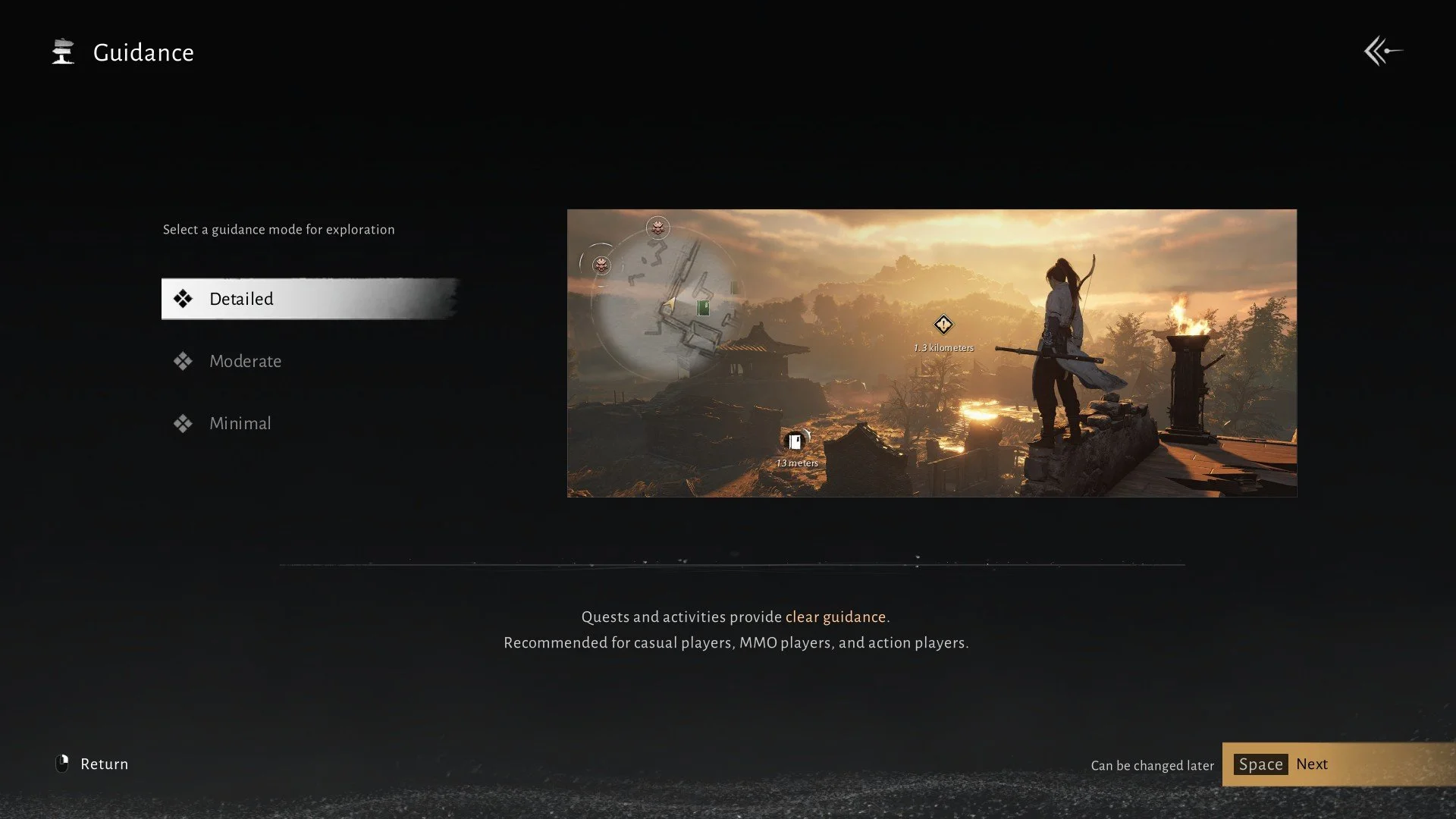
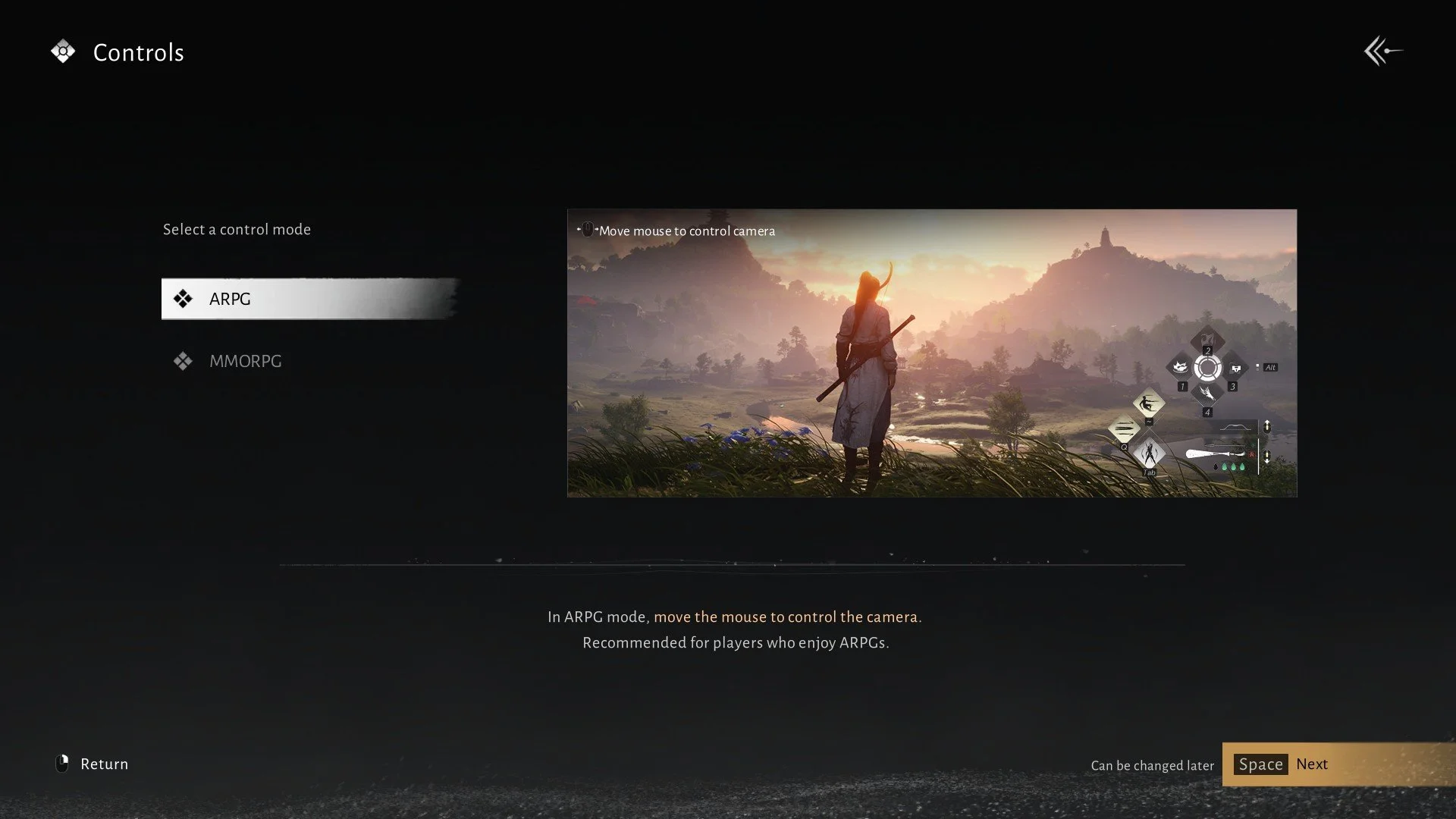
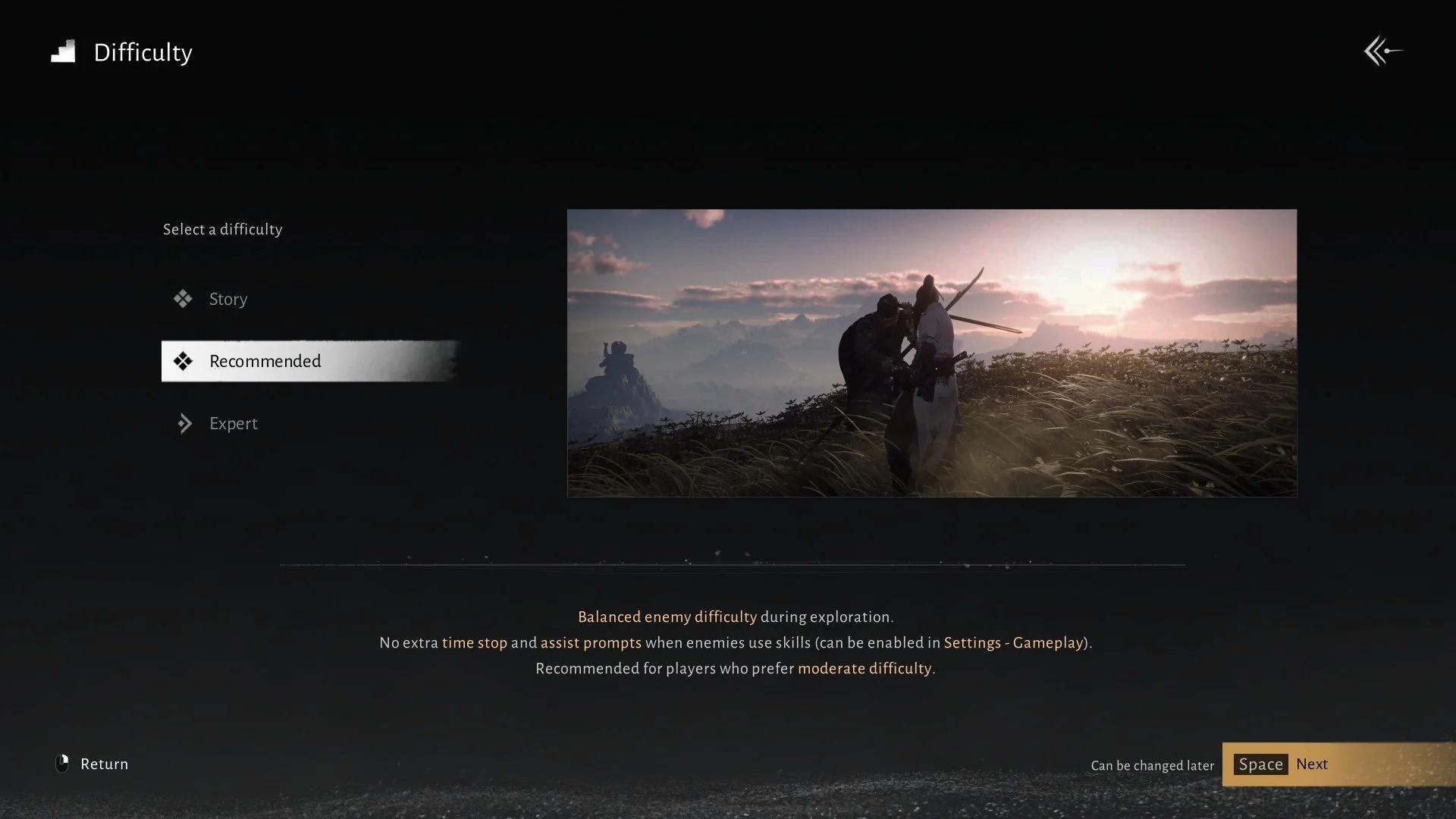
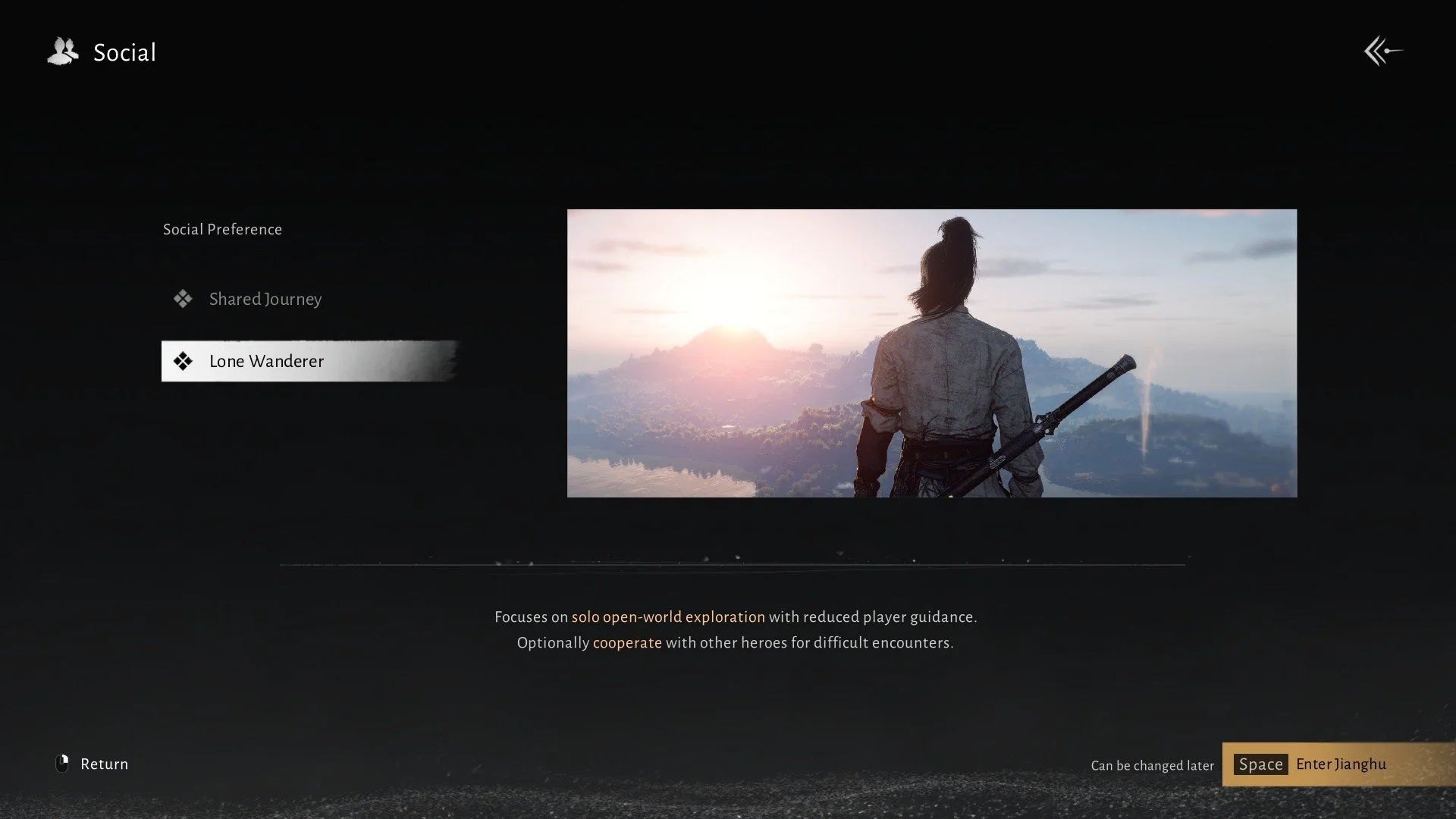
When you first log into the game, you are taken through steps to adjust the game to your playstyle: difficulty, ARPG vs MMORPG UI, etc. Then, it begins.
Before you reach the character creator, Where Winds Meet immediately drops you into action. After Jiang Yan’s brief conversation with Chen Zixi, they are chased by assassins while carrying the baby version of you. Through this action-packed sequence you’re forced to learn basic combat on the fly. First, jumping and parrying while on horseback, then shooting arrows—still on horseback. Then, it takes you to a boss fight tutorial with The Void King.
After defeating The Void King, you’ll end up at Bamboo Abode in The Verdant Wilds. Now, you’re a child talking to Uncle Jiang about wanting to wander the Jianghu when he spots a mind-control bug flying around. He springs into action, showing off his skills, and of course, you cheer him on excitedly.
Then, the character creation screen appears. You’re no longer just following the story. Now, you’re a 16-year-old ready to wander the Jianghu and experience the world. By this point, you already understand basic movement and combat, which makes the design process more meaningful and immersive.
Picking a Base Model and Customization
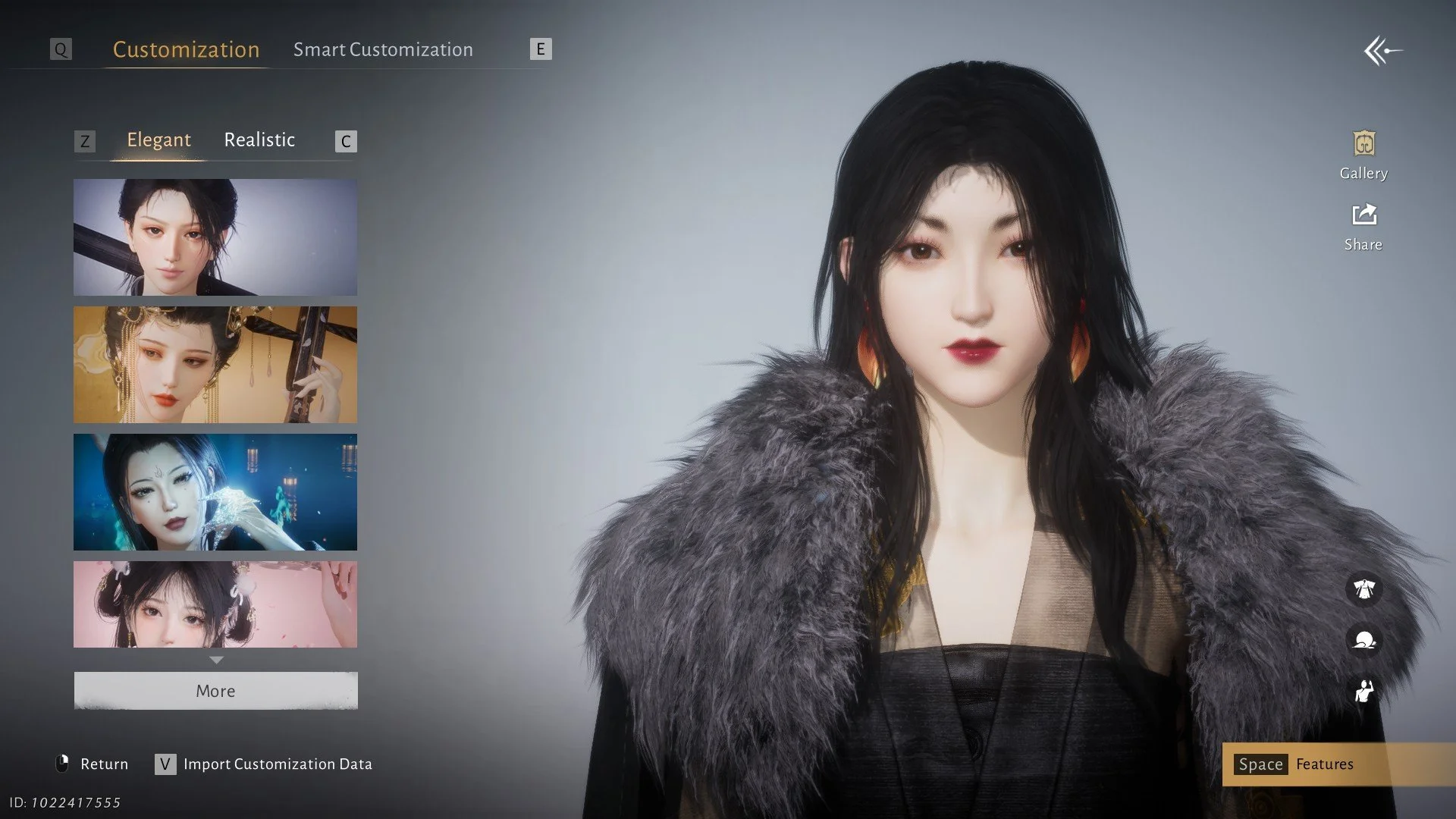
When you first enter the character creation screen, you’re presented with base models. Choose Model 1 (male) or Model 2 (female). You can choose a preset face: Elegant or Realistic. Click on More at the bottom of those presets to see more faces and some popular player uploads.
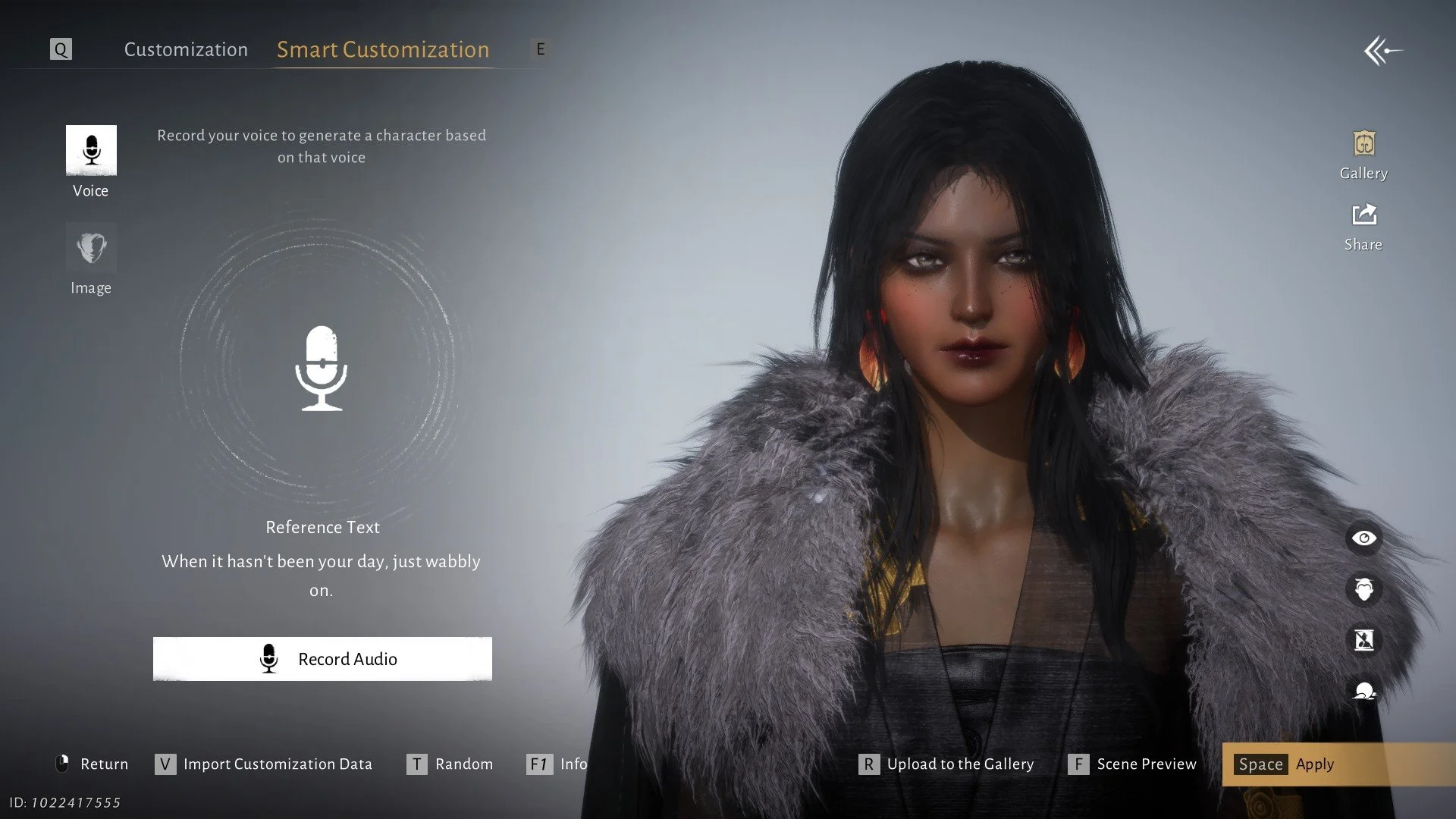
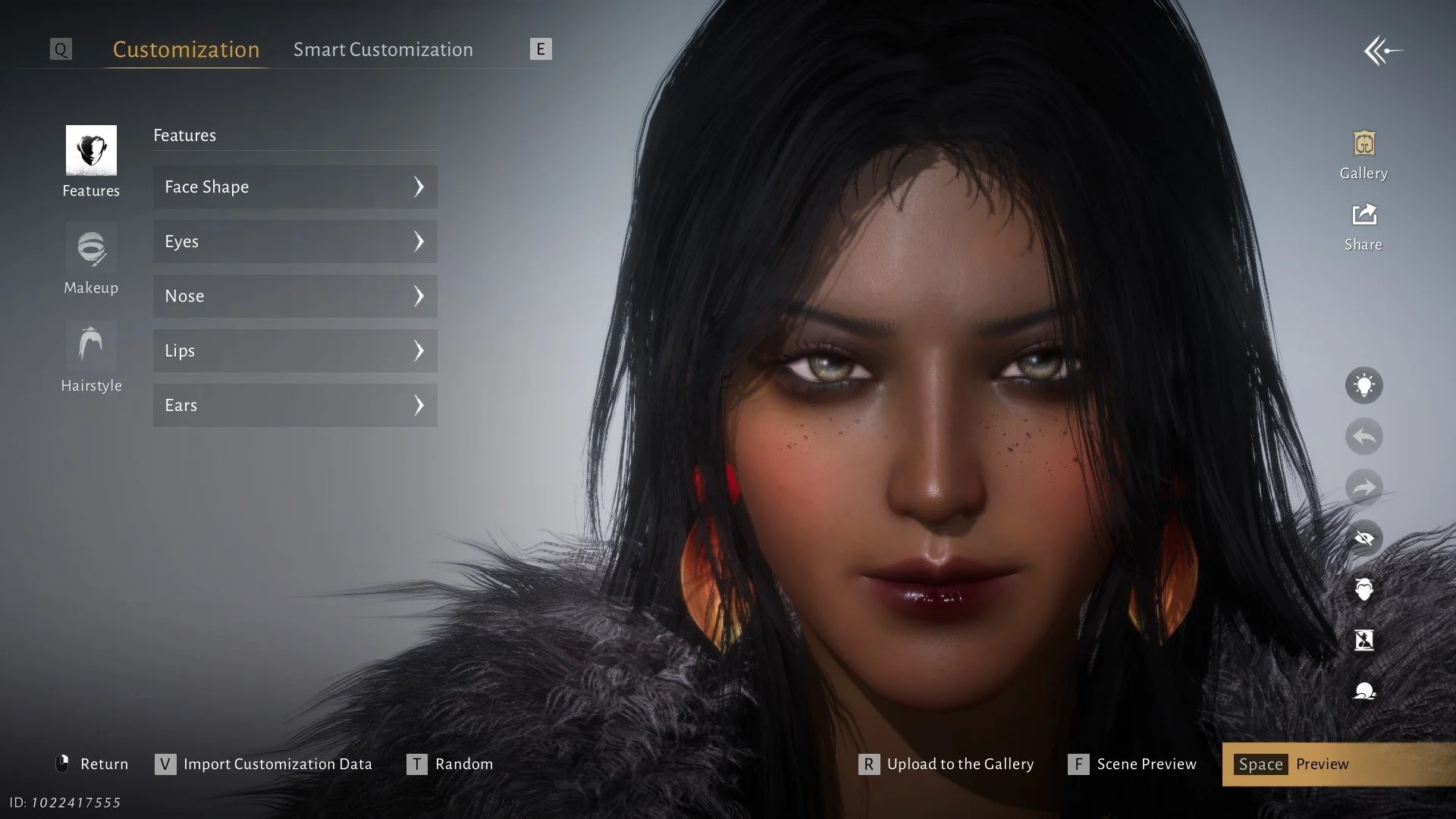
Or you can click on Smart Customization and upload an image to work with. You can also click on Gallery on that same page for more player-uploaded models. I’ve seen all sorts of characters, including a Spongebob face. The customization in this game goes crazy! Next, you’ll click on Features at the bottom left to take you to the real customization.
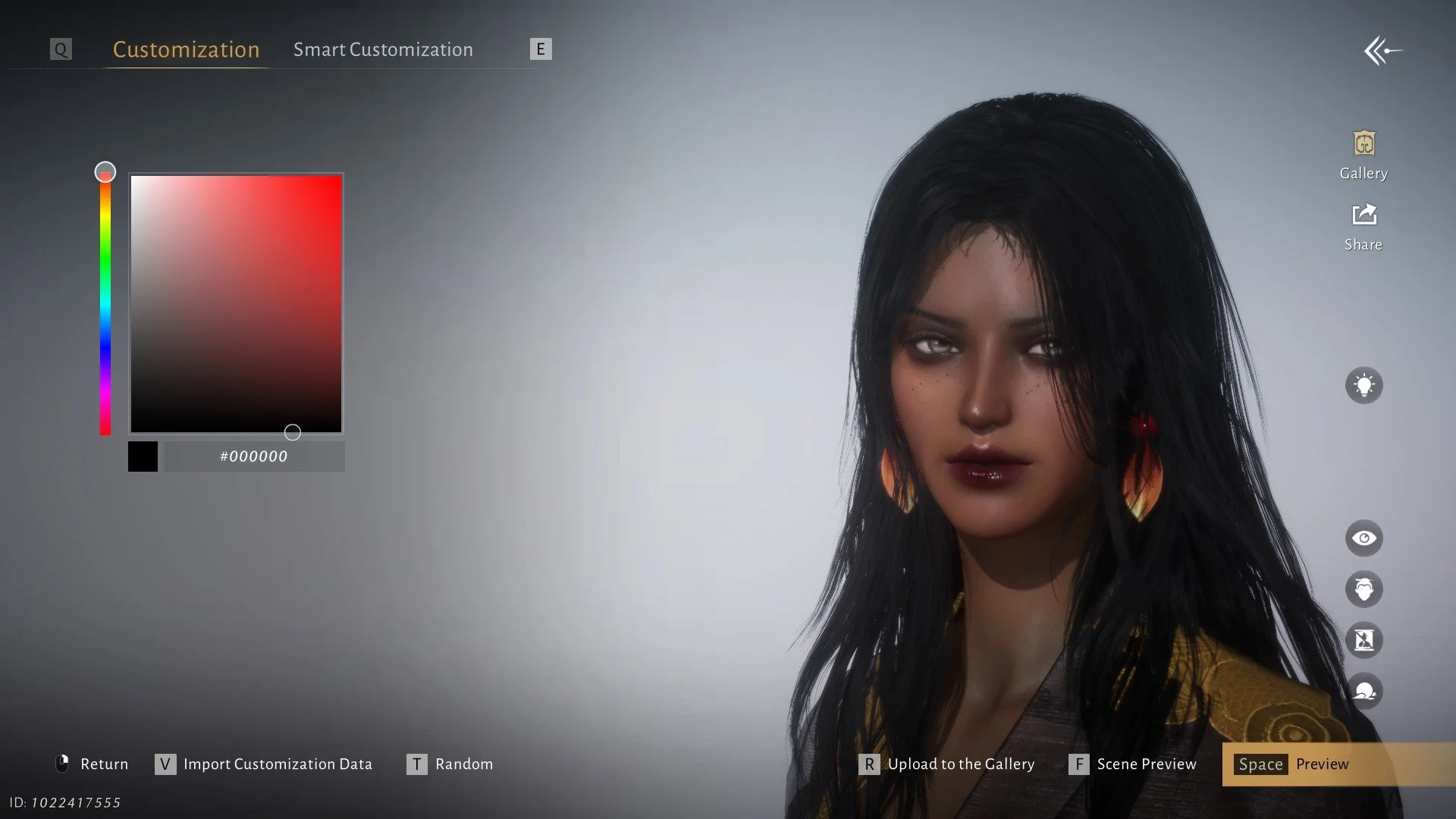
This is where you really fine-tune your look: eye color, cheek bones, chin, skin tone, makeup, and more. And if you’re a Black gamer like me and want your character to look a bit more like you, and give your character a darker skin tone, you want to go to Makeup > Foundation > Skin Tone > the color wheel. FYI, some presets work better with creating a darker, more natural skin tone, while some make darker skin tones look either ashy due to cool undertones or too red due to heavy warm undertones. Just play with it.
Switch between presets and your custom adjustments to see how each change affects your character under different lighting. What looks good in the creator can feel completely different once you’re in motion or under different lighting. It’s something I noticed early on while playing and talking about the game’s visuals in my Where Winds Meet review.
Hair and Clothing
Once the face is set, move on to hairstyles. Hairstyles are a bit limited on initial character creation, but you unlock a lot of styles later. And still, the initial hairstyles are mad cute. Unfortunately, color options are also limited at the initial character creation, but you can dye certain hairstyles with dyes that you purchase or get from draws.
Everyone starts out with the same outfit at character creation. However, the character creation lets you try on different sets and settings that other players uploaded..
Save Your Design
Before finalizing, save your design. It allows you to reuse the character on a new account, share with friends, or experiment with alternate appearances without losing your original design. Once your character is set, the next step is figuring out how you actually want to play. If you’re leaning toward a supportive or healing role, I break down my setup in my dual fan PvE build for Where Winds Meet.
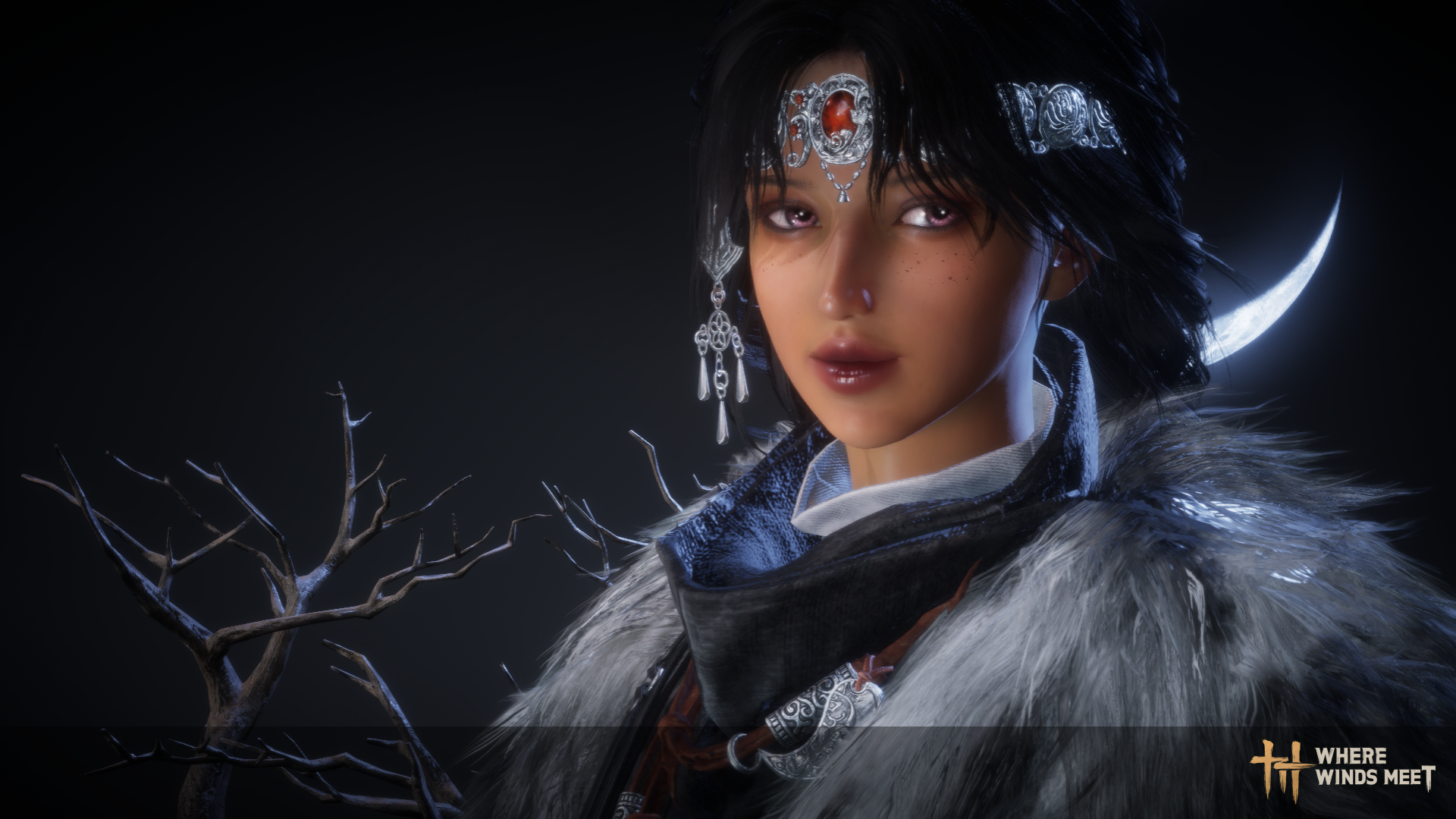
We know appearance doesn’t influence combat stats; it really is a lot of fun wandering the Jianghu looking good. And looking good according to what looks good to you. I absolutely love going into multiplayer mode and seeing everyone with different, customized looks and wearing fresh ‘fits. It’s part of what makes multiplayer gaming what it is. Plus, flowing hair and vibrant colors create cinematic appeal, enhancing your screenshots. It’s part of what makes Where Winds Meet immersive.
FAQ: Where Winds Meet Character Creation
Can I change my character later?
Minor cosmetic adjustments are possible with in-game items, but major features like base face or body shape require a Water Lady Script that you can get from the Jianghu shop.
How do I export/import designs?
Use the design code feature in the editor. Save the code externally and input it on a new account or share it with friends.
Are presets usable for beginners?
Yes. Presets give a fast-starting point, and sliders let you fine-tune details afterward.
Does hair or makeup affect gameplay?
No. Cosmetic choices are visual only, but they impact immersion, screenshots, and community visibility.