Upgrading My MMO Mouse: Naga V2 Pro vs HyperSpeed
I first began using the Razer Naga Epic in 2011 and it was such a game changer for playing World of Warcraft. Then, I upgraded to the Razer Naga Trinity in 2017. Though there’s nothing wrong with the mouse, I feel like it’s time for an upgrade. Tech changes so quickly, and after a decade of loyal service, I figured it was time to see what else was out there.
I’ve always preferred MMO mice, so I knew I wanted to stick with that style. There are actually very few MMO mice on the market compared to other gaming mice, so it wasn’t difficult to narrow down the top contenders. However, I’m a vain girl and appreciate the combination of aesthetics coupled with functionality and speed. If something is going to live on my desk and spend hours in my hand every day, it might as well look good doing it.
So, after weighing my options, I decided to stick with Razer, but then, it came time to narrow it down to the Razer Naga V2 Pro or the V2 HyperSpeed.
You can check out the Razer Naga V2 Pro on both Razer and Amazon.
You can check out the Razer Naga V2 HyperSpeed on both Razer and Amazon
The Difference Between an MMO Mouse and Others
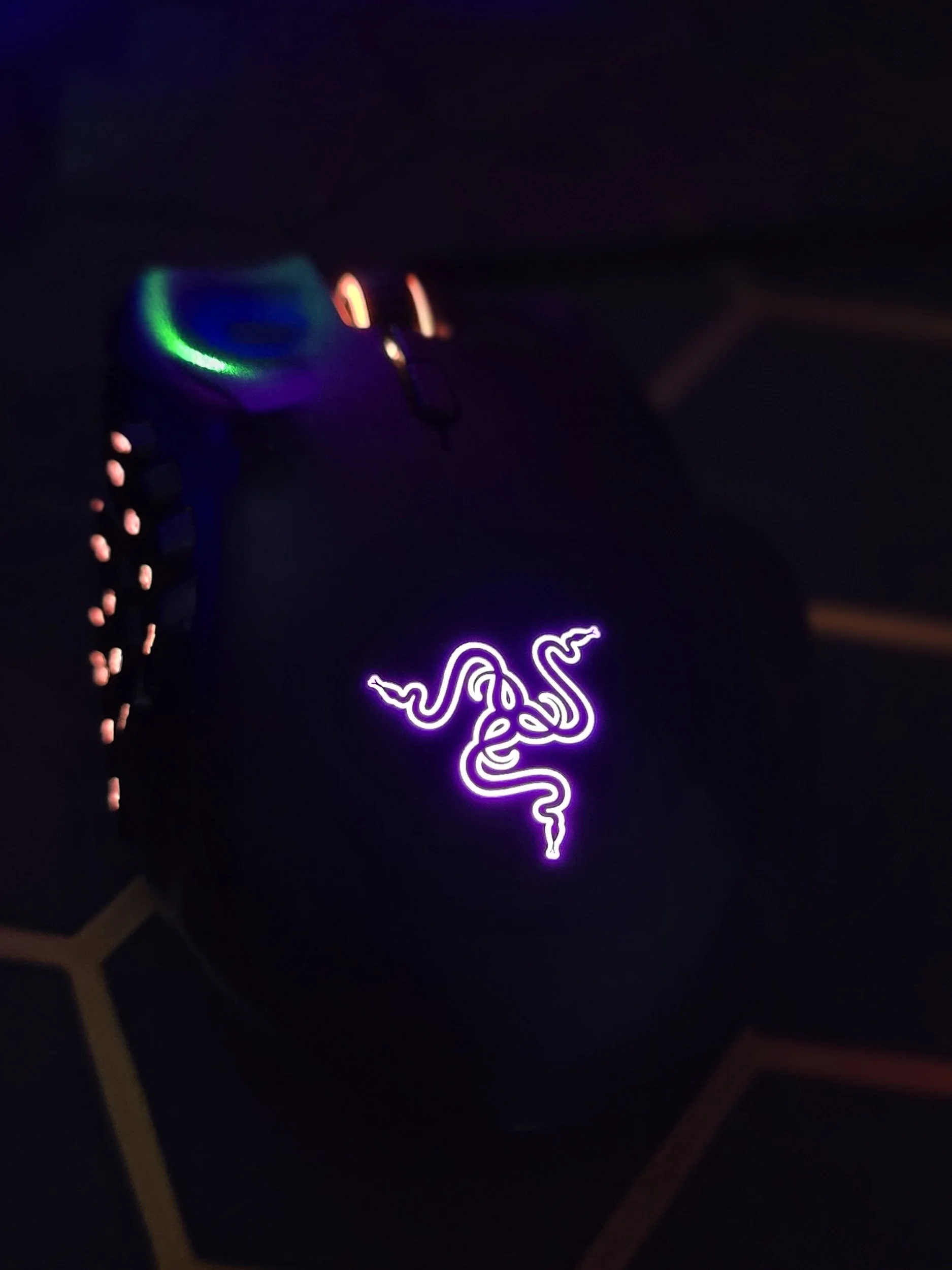
My abused, 8 year-old Razer Naga Trinity
For gamers who may not be familiar, an MMO mouse is a bit different from the standard gaming mouse.
An MMO mouse has a high-density grid of 9 to 12+ programmable side buttons, designed to trigger dozens of abilities, macros, or spells instantly with your thumb. These mice are usually larger and slightly heavier than traditional gaming mice, but that extra size serves a purpose. They’re ergonomically designed for long gaming sessions and allow you to rely less on complex keyboard keybinds.
Instead of stretching your hand across half the keyboard during a hectic boss fight, you can trigger abilities directly from your mouse. Once you get used to it, going back to a regular mouse feels almost impossible.
My gaming preference leans more toward MMOs like World of Warcraft, Fallout 76, and Where Winds Meet that usually have complex spell, skill, and ability combinations. Those types of games almost demand quick reactions and efficient keybinds.
But MMO mice aren’t just good for MMOs.
Even games like Starfield and Resident allow for the quick cycling of weapons, food, and other aids using side buttons. Being able to swap items quickly while moving or performing another action can make gameplay smoother and a lot less stressful.
So, having an MMO mouse simply makes sense for the types of games I play.
And honestly, once you get used to having that many shortcuts at your fingertips, it becomes difficult to imagine gaming any other way.
Choosing Between the Naga V2 HyperSpeed and the Naga V2 Pro
After spending years with my old MMO mouse, two upgrades immediately stood out: the Razer Naga V2 HyperSpeed and the Razer Naga V2 Pro.
Both are MMO mice designed around the same philosophy that made the Naga line so popular in the first place: a comfortable ergonomic shape paired with a 12-button thumb grid that allows you to trigger abilities, macros, and shortcuts without constantly reaching for your keyboard.
But the two models approach that idea a little differently.
The Naga V2 HyperSpeed is the lighter of the two and focuses on wireless performance and long battery life. It keeps the core MMO layout intact while offering the flexibility of wireless play. For players who want fewer cables on their desk or like the freedom to move around a bit more, the HyperSpeed is a very appealing option.
The Naga V2 Pro, on the other hand, is essentially the premium version of the design. It’s the more direct evolution of the MMO mice I’ve used in the past, and it adds a few features that make it stand out.
For one, the Pro model includes Razer Chroma RGB lighting, which allows you to customize the mouse’s lighting effects and sync them with other peripherals in your setup. That might not affect gameplay directly, but for anyone who enjoys a cohesive gaming setup, it’s a nice bonus.
The V2 Pro is also slightly heavier than the HyperSpeed. Some players prefer lighter mice for faster movement, but MMO mice tend to prioritize stability and comfort during long sessions. For the way I play—often spending hours farming mats, running dungeons, or writing up guides afterward—that extra weight doesn’t really bother me.
Between the two, the Naga V2 Pro ultimately edges out the HyperSpeed for me, mostly because it feels like the natural continuation of the MMO mice I’ve been using for years. The added customization and RGB lighting are nice touches, and it simply feels like the more fully featured option.
That said, the HyperSpeed is still an excellent choice, especially for players who prioritize wireless performance and a slightly lighter feel.
MMO Mice Aren’t Just for Gaming
One thing people don’t talk about enough is how useful MMO mice are outside of gaming.
Even for every day, non-gaming use, having an MMO mouse can make life easier. I use the side buttons for quick shortcuts, copy-and-paste combos, switching browser tabs, or launching different apps.
If you’re someone who spends a lot of time on your computer writing, editing, researching, or juggling multiple tasks at once, those extra buttons become surprisingly valuable.
As someone who writes gaming guides, edits articles, and manages multiple windows throughout the day, I find myself using the side keypad constantly.
So, if you’re a serial multitasker like me, an MMO mouse can be a lifesaver.
Why I Fell In Love with the Razer Naga V2 Hyperspeed
It’s lighter than other MMO mice I tried out. It also doesn’t feel bulky in my hands while playing. So, it’s very comfortable when I’m spending hours farming or writing up gaming guides.
The Razer Naga V2 Hyperspeed has a sleek, ergonomic design that looks just as good as it performs.
Some MMO mice can feel bulky or awkward because of the extra buttons. That wasn’t the case here. The Naga V2 actually feels lighter than several other MMO mice I tested out. It doesn’t feel oversized in my hands, and the shape fits naturally when I’m using it.
Comfort is incredibly important to me when I’m spending long stretches at your computer researching, farming, or writing up gaming guides.
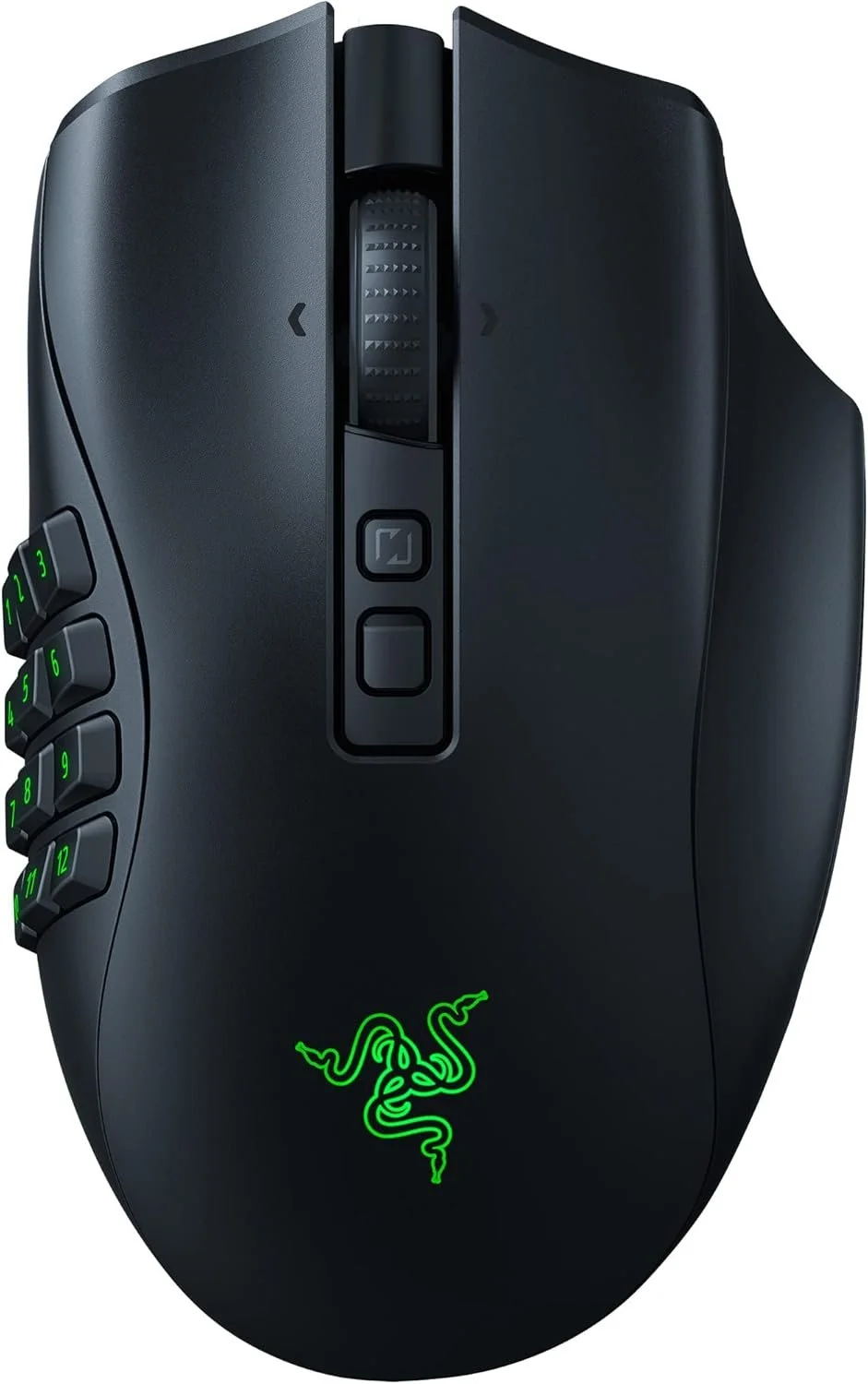
Razer Naga V2 Pro
Interchangeable Side Panels & Up to 22 Controls
Optical Mouse Switches Gen‑3
Triple Connectivity & Extra Battery Modes: HyperSpeed Wireless, Bluetooth, and wired USB‑C with 150 h battery life on HyperSpeed and 300 h on Bluetooth.
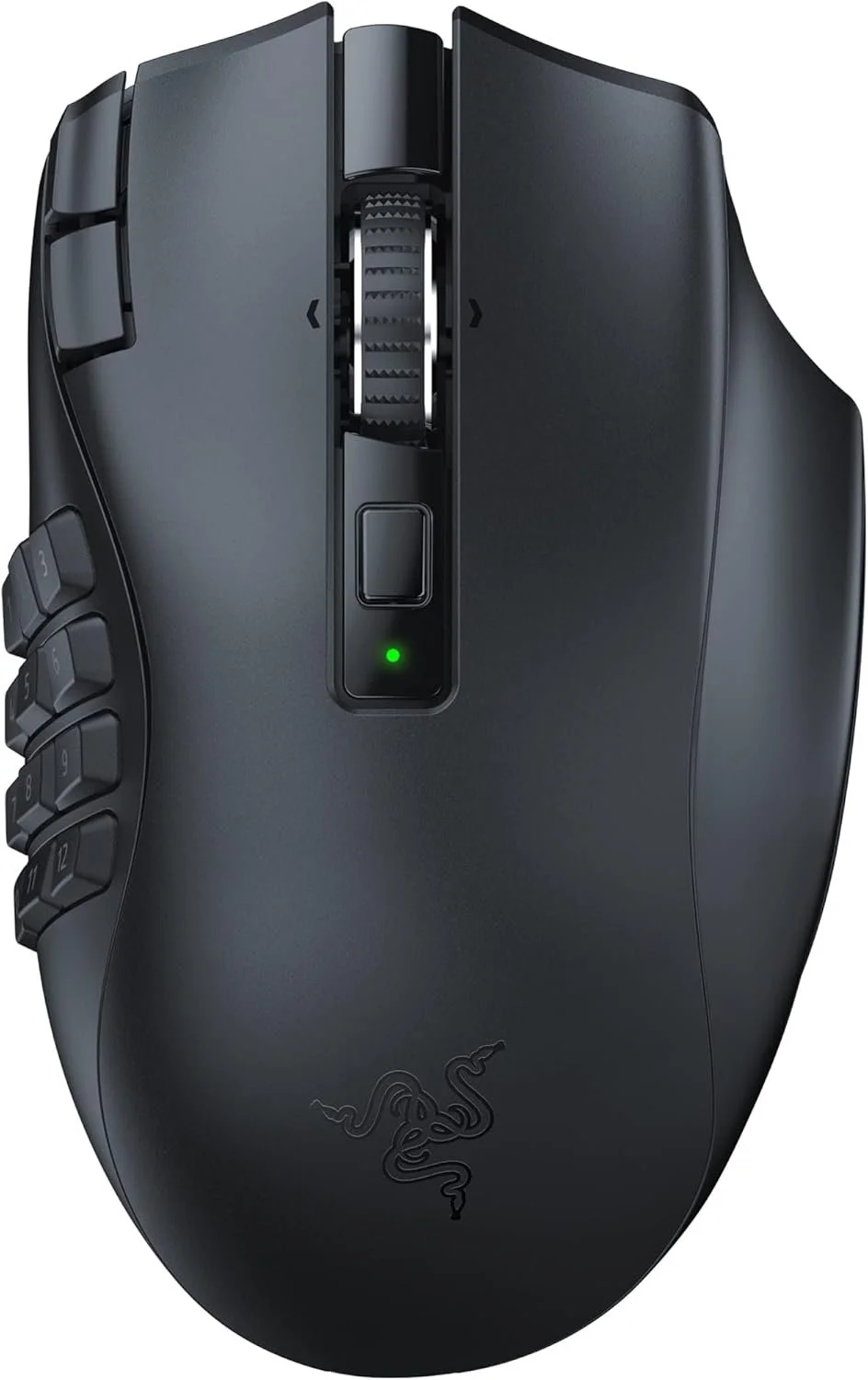
Razer Naga V2 HyperSpeed
Wireless Battery Life — Up to ~400 h on Bluetooth and 250 h on HyperSpeed Wireless with a single AA battery.
Focus Pro 30K Sensor with 50 G Acceleration
Lightweight Design & Button Switches
Why I Fell in Love with the V2 Pro
The Razer Naga V2 Pro feels like the next evolution of the MMO mice I’ve loved for over a decade. The added weight gives it a solid, confident feel in my hand during long gaming sessions, and the Chroma RGB lighting makes my setup feel polished without being over the top.
While the HyperSpeed is lighter and wireless, there’s something about the Pro’s customization and premium build that makes every click feel intentional. For anyone who values comfort, durability, and a little extra flair in their gaming rig, the V2 Pro is easy to fall for.
Wireless & Wired, Zero Compromise
Wireless mice used to have a reputation for sacrificing speed or precision. Thankfully, those days are long gone.
The Razer Naga V2 HyperSpeed delivers lightweight wireless performance with Razer’s HyperSpeed technology, giving near-zero latency and fast response times. Every click feels instant, whether you’re dodging a boss mechanic, cycling through weapons, or just juggling multiple apps. For casual or competitive players who value smooth, reliable control, it’s hard to beat.
The Razer Naga V2 Pro takes a slightly different approach. While it’s a bit heavier than the HyperSpeed, the Pro offers premium build quality, interchangeable side panels, and Chroma RGB lighting, along with ultra-responsive Optical Mouse Switches Gen‑3. You can use it wirelessly, on Bluetooth, or wired via USB‑C, giving you maximum flexibility without compromising precision.
Both mice work perfectly on their own, but installing Razer Synapse unlocks even more customization: tweak DPI, create multiple profiles for different games, and sync lighting to your rig for a polished, personalized setup. It’s not required, but if you love fine-tuning your gear, it’s a game-changer.
Who Will Love These Mice?
Despite its MMO roots, this mouse isn’t just for hardcore MMORPG players.
It’s a great option for anyone who wants:
Smooth everyday computing with extra convenience
Quick access to macros, shortcuts, and number keys
Wireless performance without sacrificing precision
A sleek, customizable, RGB-friendly design
Even if you never plan to lead a raid or manage dozens of abilities in a hotbar, the Naga V2 can still improve how you interact with your computer.
Sometimes it’s the small quality-of-life upgrades that make the biggest difference.
The Razer Naga V2 HyperSpeed proves that sometimes a tool designed for one purpose ends up becoming a Swiss Army knife for everything else.
Whether you’re grinding dungeons in an MMO, exploring open-world RPGs, or juggling daily work tasks, the Naga V2 keeps everything within reach.
For me, upgrading after nearly a decade felt long overdue—and I’m glad I stuck with a design that works so well for both gaming and everyday life. After more than a decade using MMO mice, upgrading to this one felt like a natural evolution. For players who rely on macros, ability rotations, or just love having extra shortcuts at their fingertips, the Naga V2 easily ranks among the best MMO mice available today.
It’s more than an MMO mouse.
It’s a versatile companion for any gamer or multitasker.
Grab your Razer Naga V2 HyperSpeed and make every click count.